Capture the start
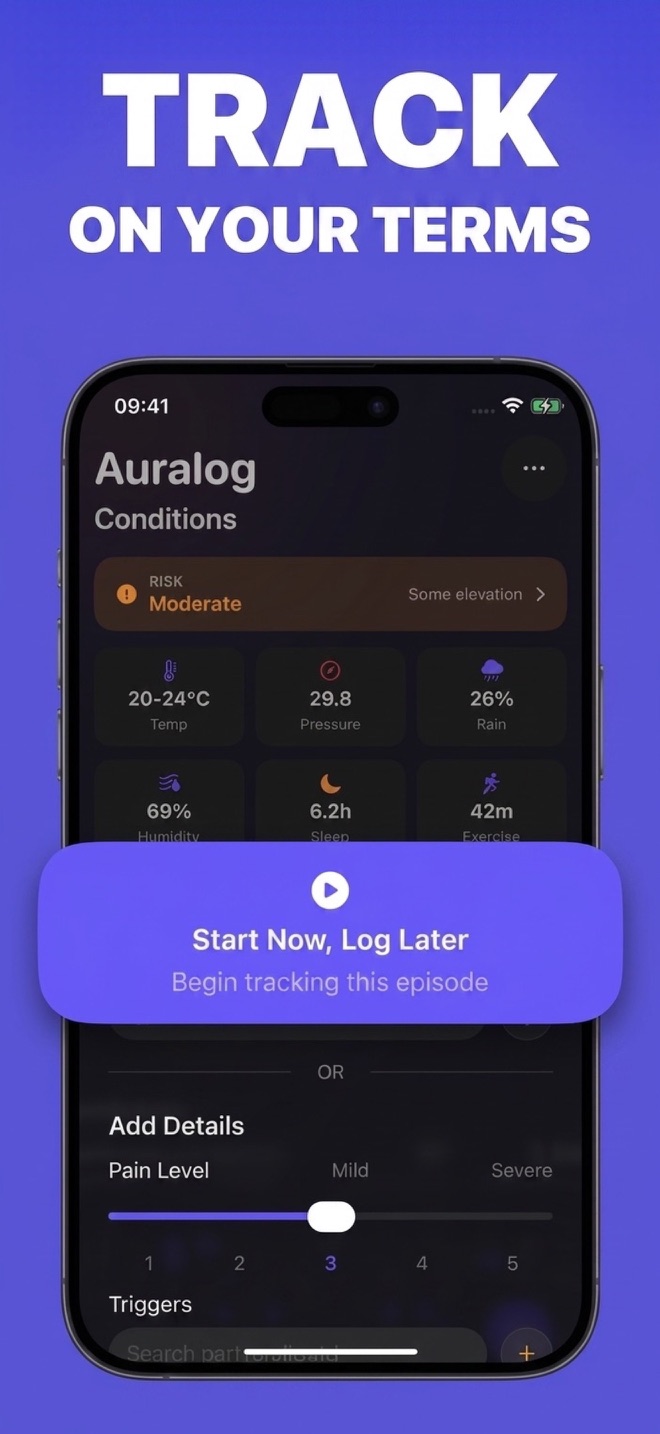
Tap Save Now, use Siri, or start from Apple Watch. The essential time is recorded without demanding a full form.
A migraine tracker built for the moment an attack starts. Capture the time in seconds, rest, and add symptoms, treatments, and context when you’re ready. See patterns over time and bring a clearer history to your doctor.
Free to download · In-app purchases
Auralog 27 features shown are coming with iOS 27.

Migraine Tracker: Auralog
Capture the essential moment first. Add as much or as little detail as you choose later, with your history ready across iPhone and Apple Watch.
Inside Auralog
A focused log when you need speed. A richer history when you’re ready to look back.
How it works
Auralog separates the urgent moment from the detailed record, so tracking does not have to become another routine to maintain.
Tap Save Now, use Siri, or start from Apple Watch. The essential time is recorded without demanding a full form.
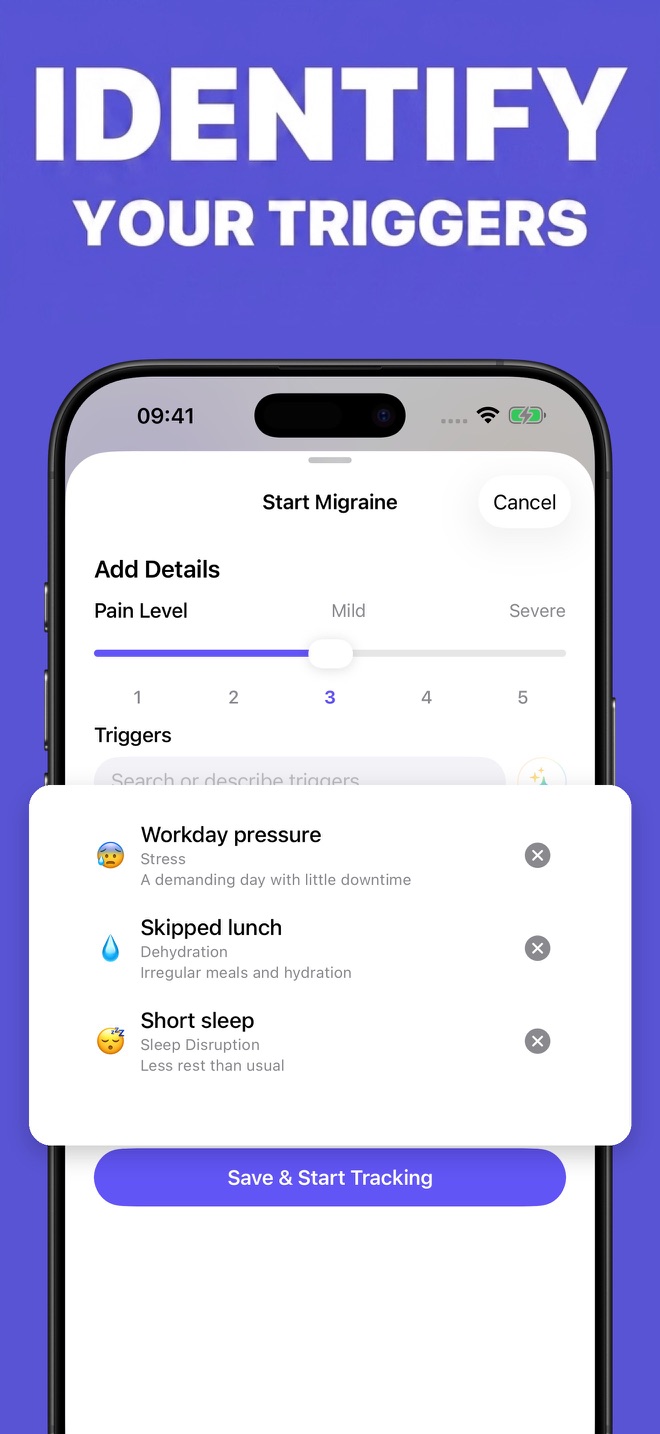
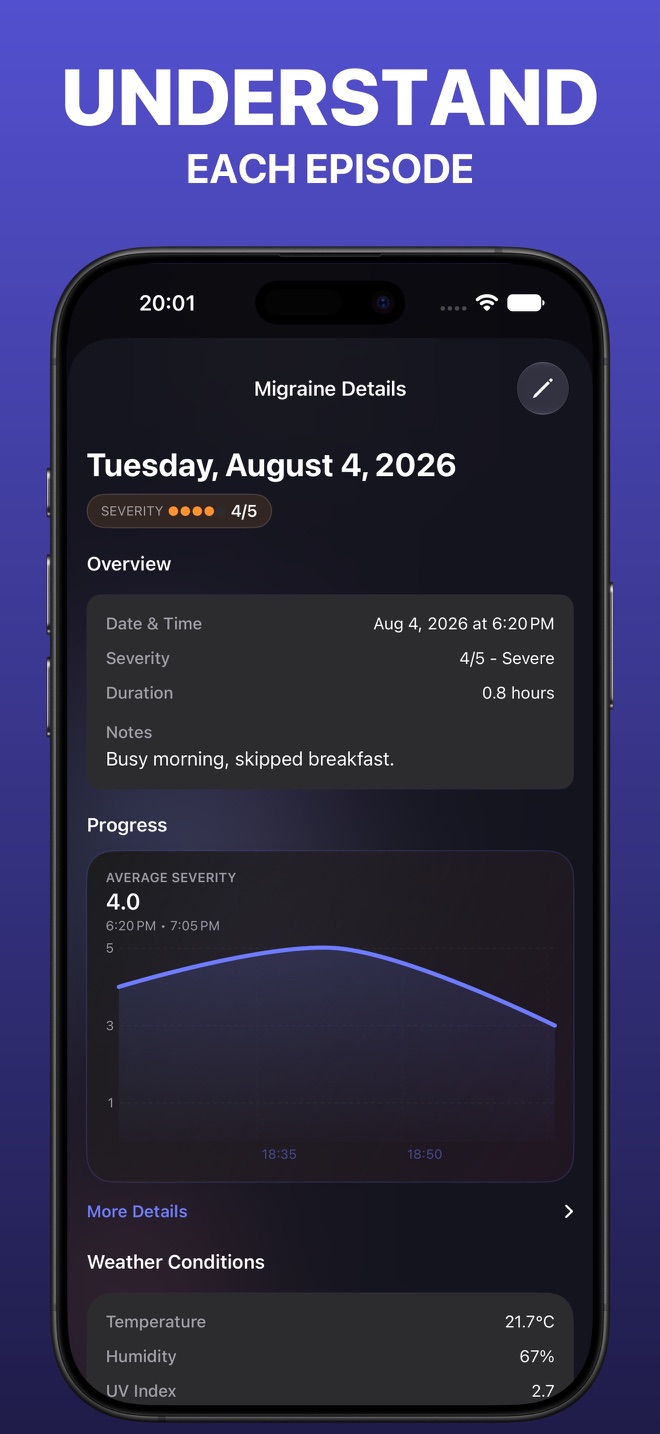
Type or dictate symptoms, treatments, medicines, remedies, and possible triggers in your own words when you are ready.
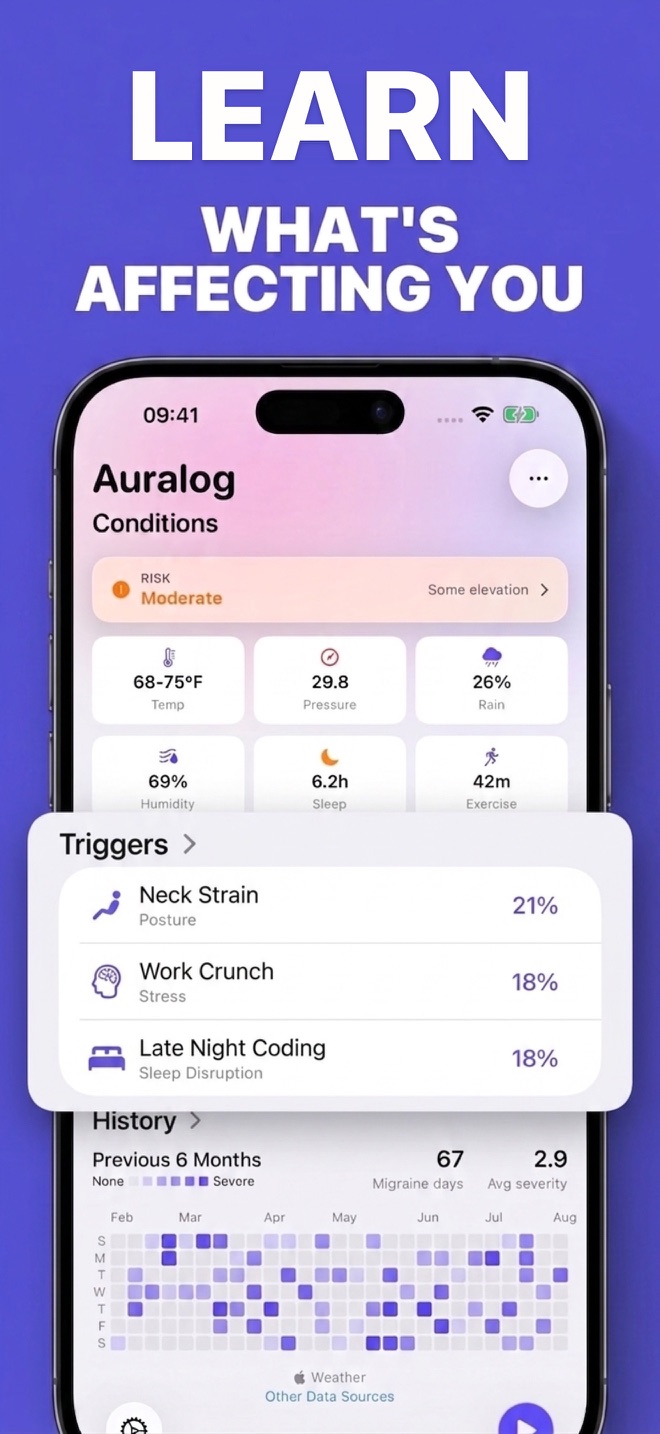
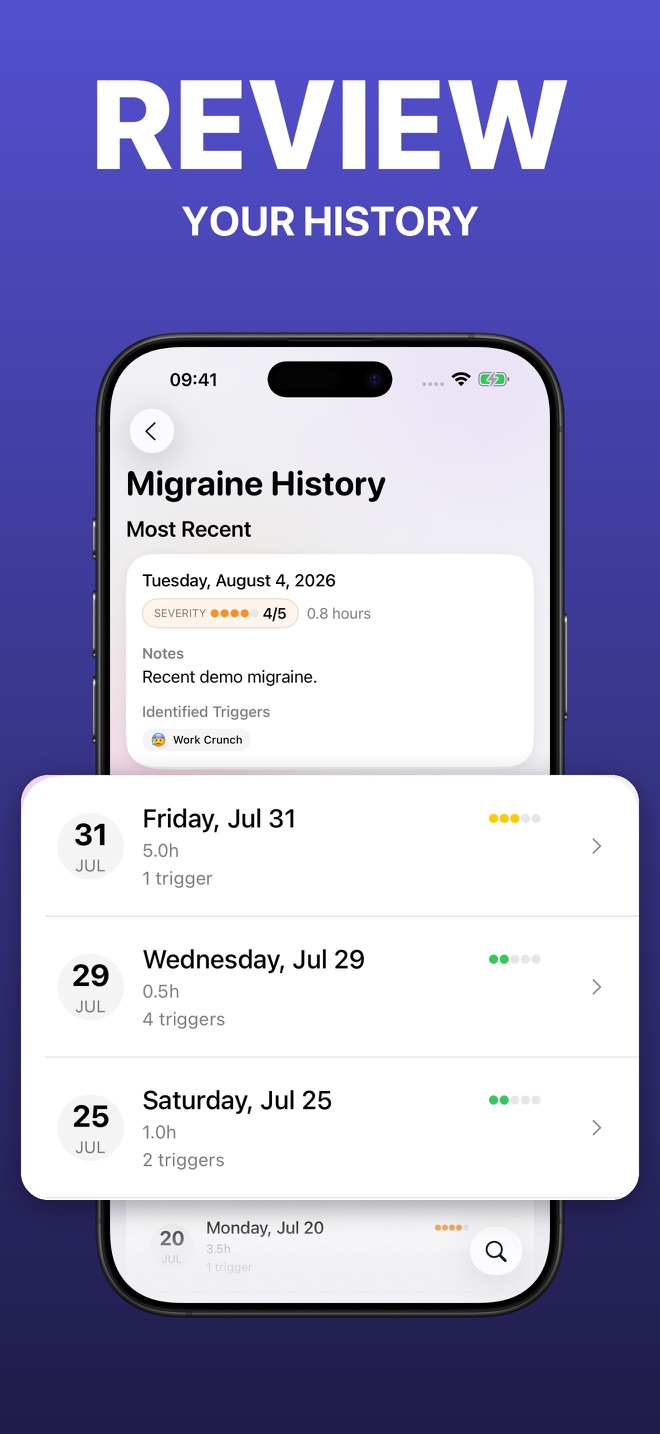
Search your history, compare severity and context over time, and create a clear report for a conversation with your healthcare provider.
Risk Outlook
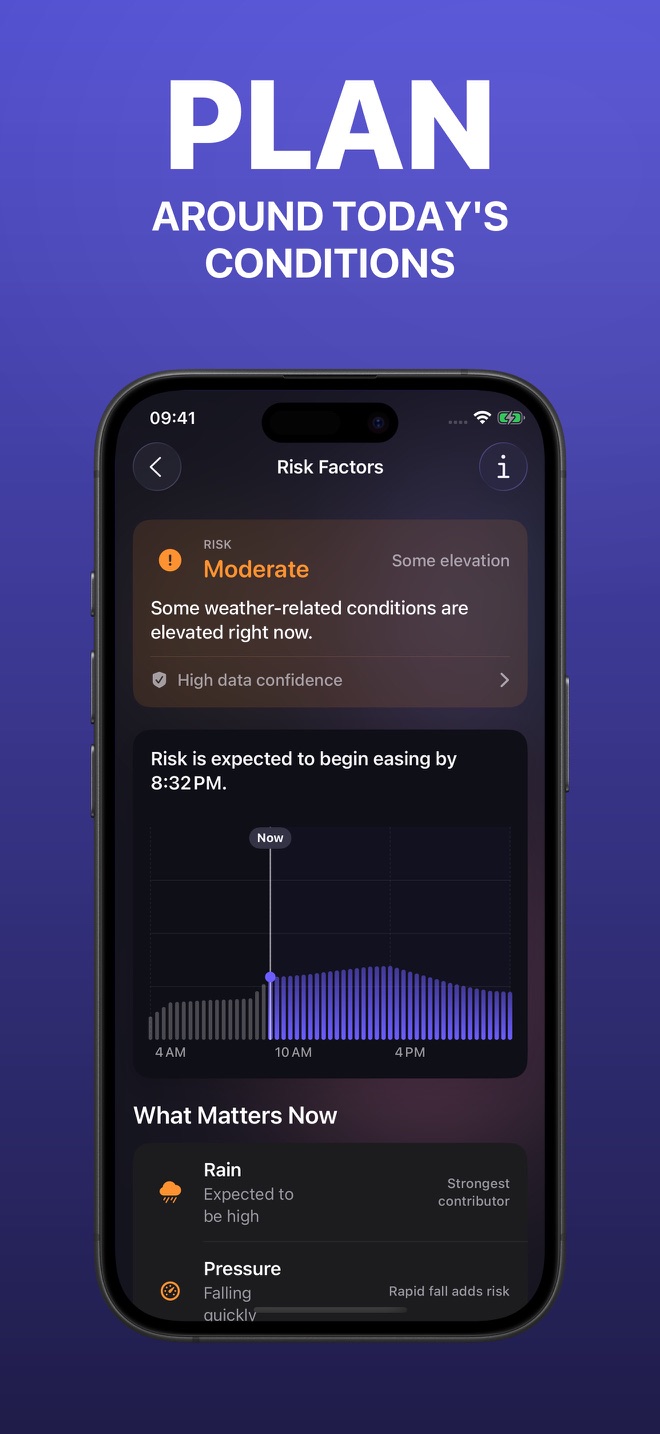
Auralog’s customizable Risk Engine brings together recent sleep and local weather, including pressure, humidity, temperature, and rest, so you can see today’s conditions at a glance and compare them with your history.
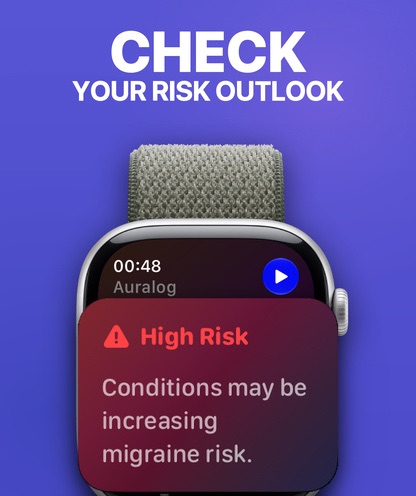
Apple Watch + Siri
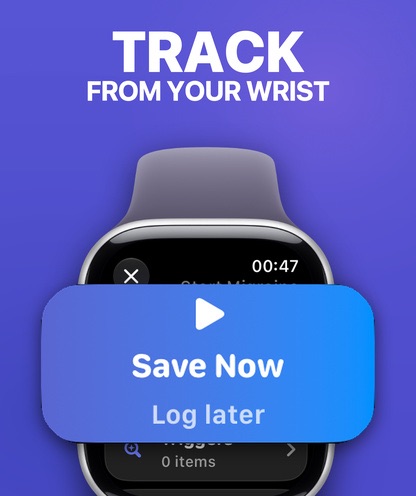
Start, update, and end migraines from your wrist. Add treatments and triggers on the go, or use expanded Siri and Shortcuts actions when voice is the easier path.
Practical guides
Straightforward guidance for tracking what matters and getting more from Auralog.
Start simple with timing, duration, function, symptoms, and treatment response.
Read the guide Possible triggersLook for repeated associations while avoiding the trap of treating correlation as proof.
Read the guide Doctor visitsBring frequency, severity, treatment timing, response, and functional impact into one clearer history.
Read the guide Weather patternsCompare attacks with weather context carefully and look for patterns over time.
Read the guide TreatmentsRecord what you tried, when you tried it, severity changes, and what happened next.
Read the guide Voice loggingUse natural language, Siri, and Shortcuts when typing or navigating a form is not ideal.
Read the guide HistoryTurn isolated memories into a visible history of frequency and severity.
Read the guideClear sources. Clear ownership.
Aberfeldy Studios, LLC writes and maintains Auralog’s product guides. App behavior is checked against the current product, health-related context is linked to established sources, and every guide includes its update date.
We describe tracking tools and observed context without presenting app patterns as medical conclusions.
Frequently asked
Clear, practical answers for getting more from your history.
Start with the attack date and time, duration, severity, symptoms, possible triggers, treatments or medicines, and how well they helped. Auralog lets you capture the start first and add the rest later.
Learn what to trackAuralog organizes possible triggers from natural-language notes and adds optional weather and sleep context, making repeated patterns easier to review over time.
Learn more about tracking possible triggersA consistent history of frequency, duration, severity, symptoms, treatment timing, response, and day-to-day impact can make an appointment more productive. Auralog can turn your recorded history into a clear report.
Learn what to bring to a neurology visitAuralog places local conditions such as pressure, humidity, and temperature beside your recorded history so you can compare what was happening around each attack and look for patterns over time.
Learn how to track weather patternsRecord what you took or tried, when you used it, severity before and after, and any relevant notes. Auralog supports treatments and checkpoints so the sequence is easier to review.
Learn more about treatment trackingYes. Auralog 27 supports expanded Siri and Shortcuts actions plus an Apple Watch app for starting, updating, and ending migraines from your wrist.
Learn how voice migraine logging worksRisk Outlook brings together the factors you choose, including local weather and recent sleep, into a personalized view of today’s conditions. Use it to understand the context around your attacks and compare patterns over time.
Learn how to track weather patternsStart with one tap
Record the moment. Add context when you choose. Build a clearer picture over time with Auralog on iPhone and Apple Watch.